
FIXATION Controls
Move, look, and survive on every device the experience supports.
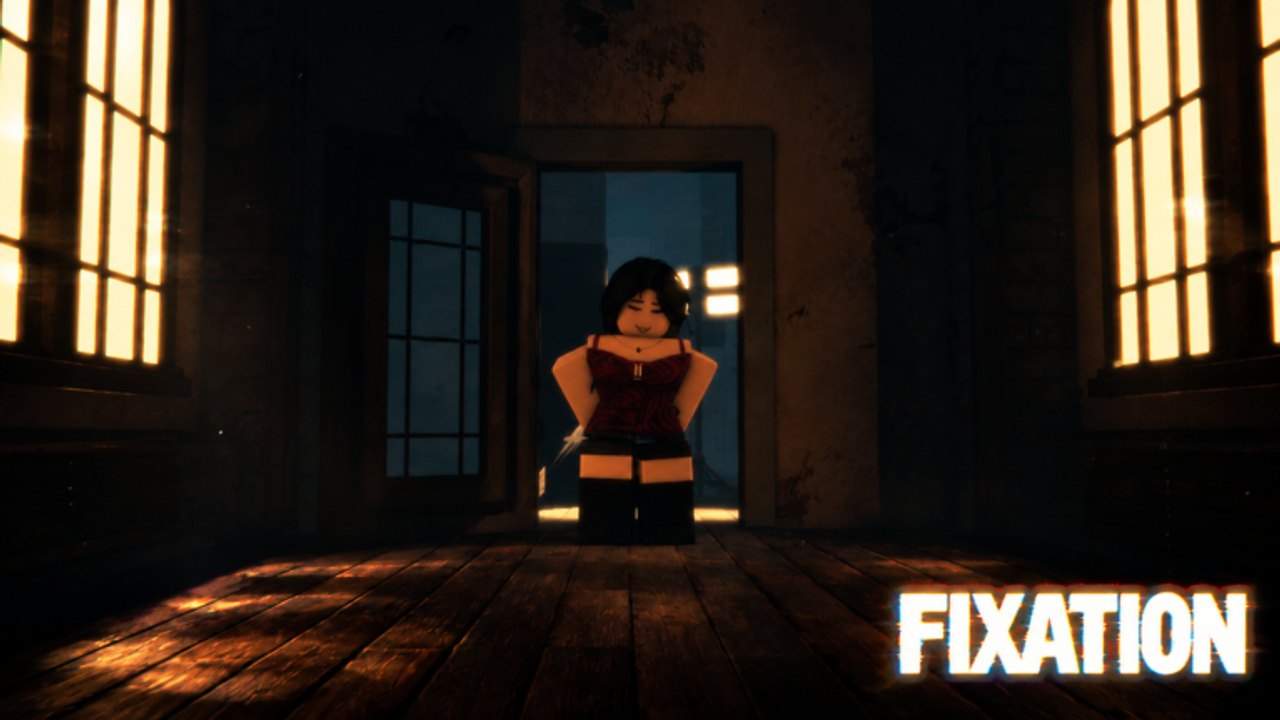
FIXATION lists all devices. The 1 vs All round does not care whether you brought a mouse or a thumb. It does care whether you can check a doorway without drifting into a lamp. This page is the control sheet that belongs next to getting started.
Sushi Deluxe has not published a unique keybind poster, so we start from standard Roblox movement and then call out what actually matters in this house: camera, sprint discipline, and not covering the HUD with your own joystick.
PC defaults
| Action | Input |
|---|---|
| Move | WASD or arrow keys |
| Jump | Space |
| Camera | Mouse |
| Sprint | Shift (if enabled in the Roblox menu) |
| Shift lock | Left Alt or the in-experience toggle |
| Pause / menu | Esc |
| Chat | / |
Shift lock is useful for survivors who need to run while looking back. It is dangerous for hunters who over-flick in a narrow hall. Try both for one round each and keep the one that lets you clear a door without spinning.
Right-click drag can hide a lobby widget. If you cannot find the Codes button after a drop, unlock the mouse and look at the HUD edges. See how to redeem.
Mobile
Play landscape. Portrait stacks the jump button on the lobby icons and that is how people accidentally leave a round. Move the joystick with your off hand so your look thumb can flick to a doorway. Lower the joystick opacity in Roblox settings if it covers the wooden floor tells.
Auto-jump is a trap in a house with railings and lamp shadows. Turn it off. You want to choose jumps, not bounce into the hunter’s line of sight.
If voice is available on your device, use push-to-talk if you have it. Open mic in a horror round is how a whole stack gets found. The co-op guide explains call timing.
Console
| Action | Typical bind |
|---|---|
| Move | Left stick |
| Look | Right stick |
| Jump | A / X |
| Sprint | Left stick click or L3 |
| Pause | Start / Menu |
Raise look sensitivity until a 180 toward a scream does not take a full second. Then stop raising it. Over-sensitivity in a dark interior is how hunters miss a survivor who simply sidestepped a door.
Use a headset. The house is built on wood and lamps. Footsteps are the scouting tool that scripts try to fake. You do not need an injector to hear a sprint. You need audio. That is also why script safety tells you to skip ESP.
Camera rules for this map
The official screenshot puts the hunter in a lit doorway with windows on both sides. That means backlighting. On low graphics the silhouette still reads. On high graphics the bloom can hide a red outfit for a frame. If you keep dying “out of nowhere,” drop bloom and shadows before you blame ping.
Third person helps survivors see around a door frame. First person helps hunters lunge. If the experience forces one, adapt. If it lets you toggle, survivors should default to third person for information and hunters can test first person for the final close.
Accessibility and comfort
This is a horror 1vAll inspired by a brutal film. If jumpscares or obsessive-character close-ups are a problem, play with a friend, keep the volume moderate, and skip the story inspiration trailer until you want the tone. There is no shame in backing out of a round.
Rebind nothing until you have finished two matches. Then change one key. Changing five binds at once is how you jump instead of sprinting through the walkthrough loop.
After controls feel boring, you are ready for the survivor tier and the hunter tier. Boring inputs are S-tier inputs.
Frequently Asked Questions
Quick answers to the most common questions.
Does FIXATION use unique keybinds?
No official unique poster yet. Use standard Roblox movement and the camera tips above.
Should I enable shift lock?
Survivors often yes, hunters maybe not. Test one round each.
Why is mobile harder?
HUD overlap and auto-jump. Landscape plus auto-jump off fixes most of it.
Do I need a microphone?
Not required, but online co-op is better with one. See the co-op guide.